- 13routine templates for different jobs
- 1 minto set up your day
- 7streak badges, from 3 to 100 days
- 0accounts to create
Features
Everything you need to keep your rhythm
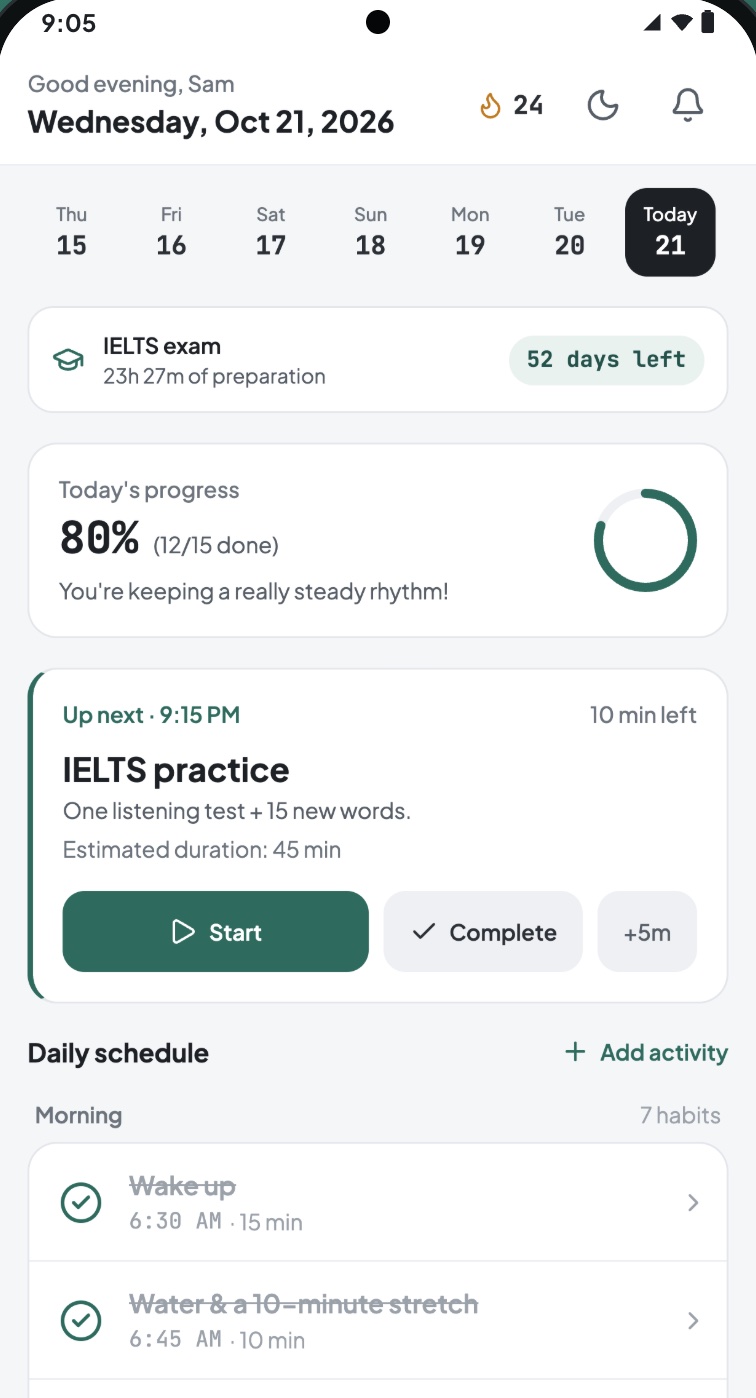
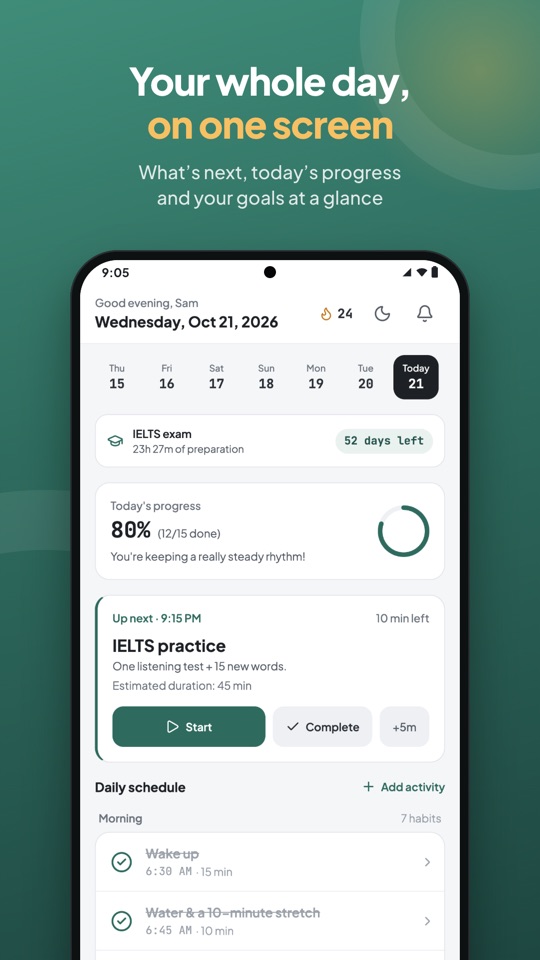
Open the app and you see what's next, how today is going and the goals you're working toward.
-
Your schedule in a minute
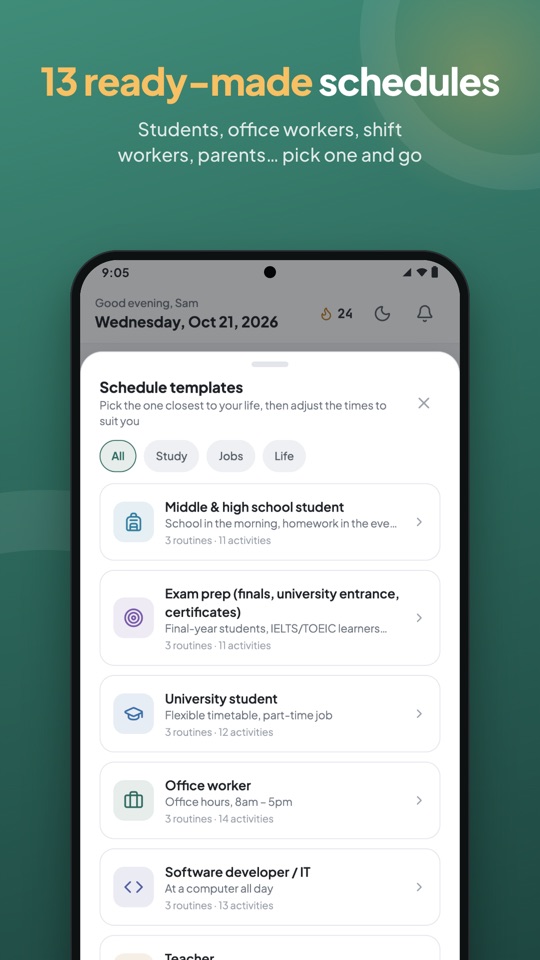
13 ready-made templates for students, office workers, factory workers, night-shift nurses and more. Enter your wake-up time and bedtime and the template shifts to fit you.
-
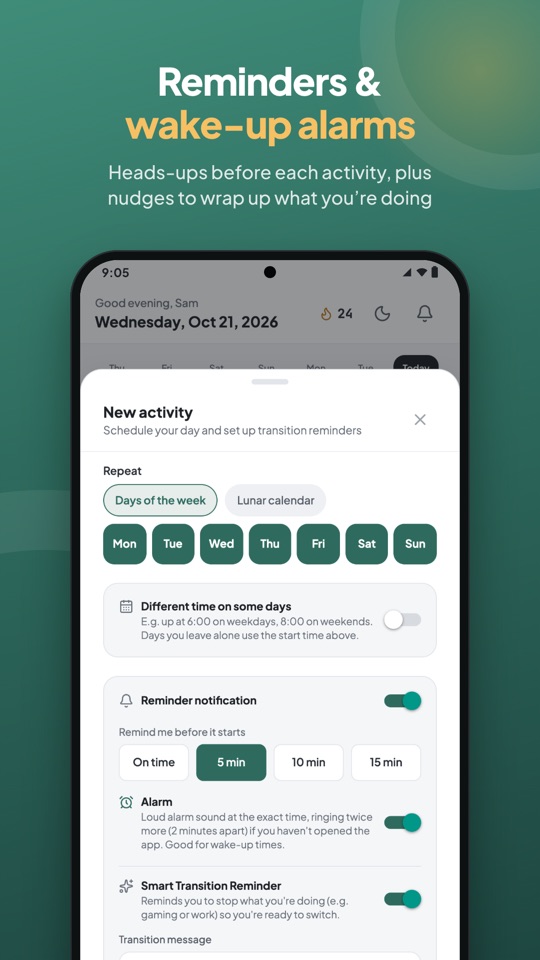
Reminders & alarms on time
Heads-ups 5, 10 or 15 minutes ahead, even when the app is closed. Wake-up alarms ring at the exact minute and ring again if you haven't opened the app.
-
Rotating shift schedules
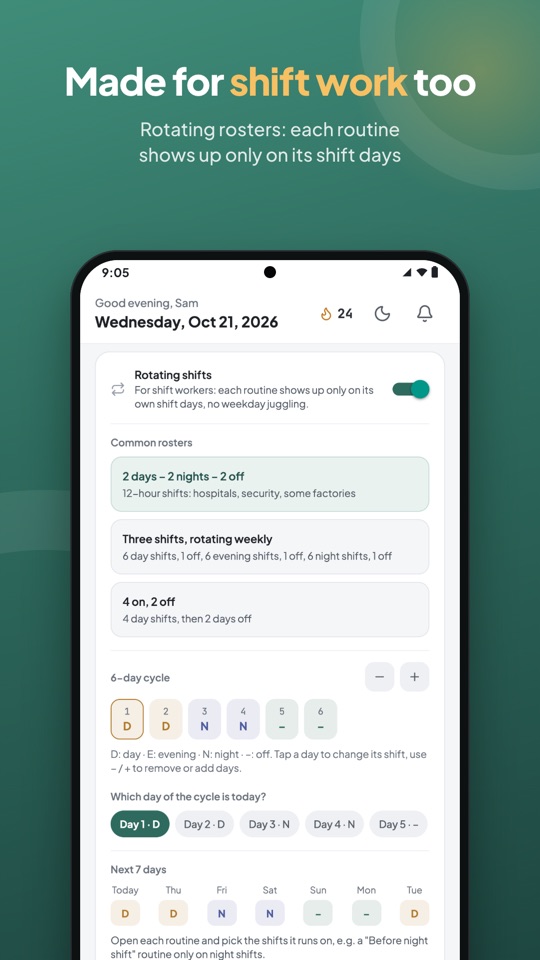
2 days – 2 nights – 2 off, weekly rotating shifts, 4 on 2 off… Each routine shows up only on its shift days, and streak-safe breaks cover holidays and sick days.
-
Lunar calendar repeats
The 1st and 15th of the lunar month, any lunar day each month, or a yearly date on the lunar calendar.
-
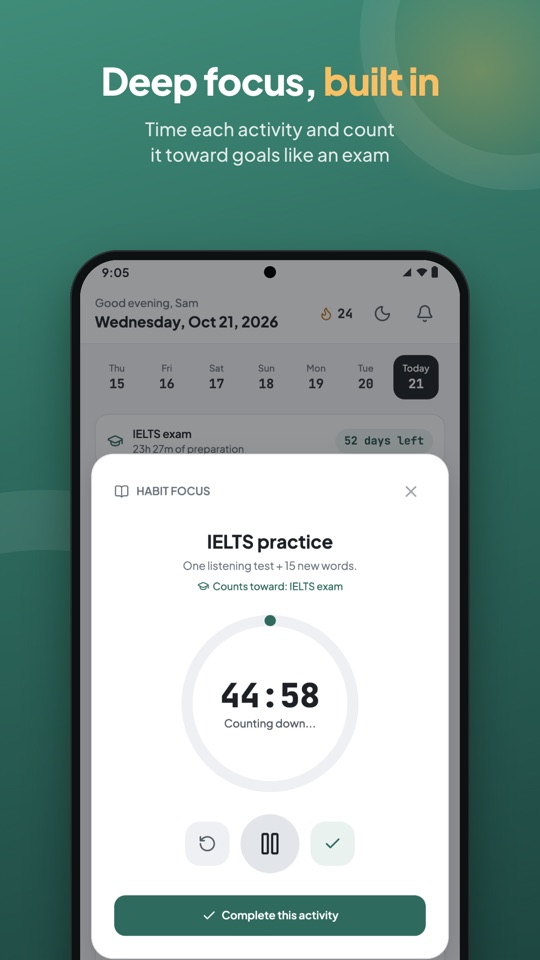
Focus & goals
A Focus Timer for every activity and countdowns to an exam or a race. Running late? “Re-plan the rest of the day” fits what's left into the free time before bed.
-
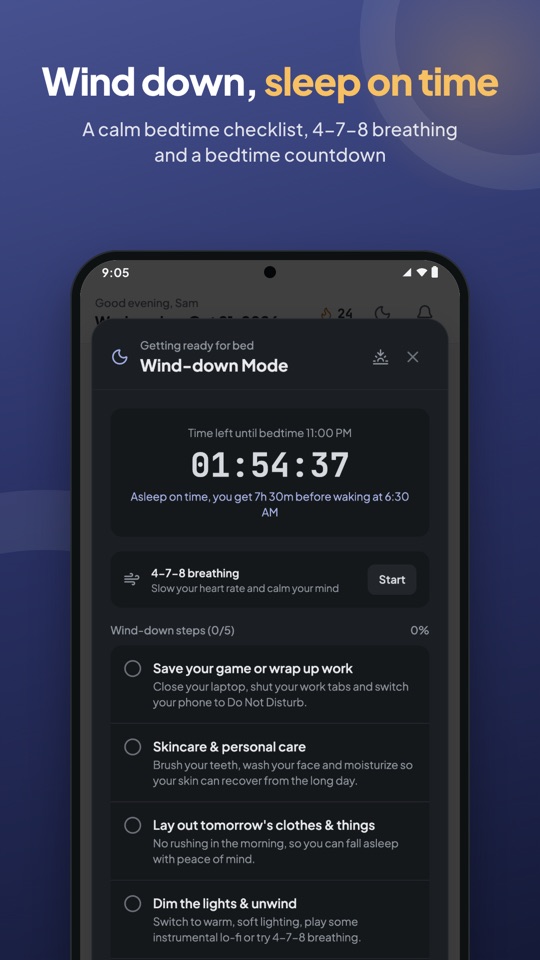
Sleep better
Wind-down mode with a bedtime checklist, 4-7-8 breathing and a countdown to bedtime. Read your sleep from a smartwatch through Health Connect.
-
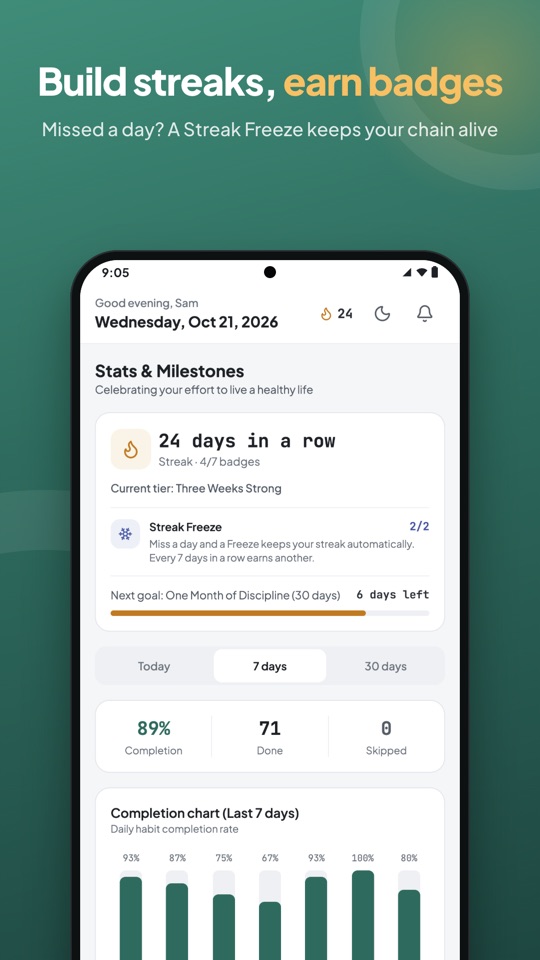
Streaks & real rewards
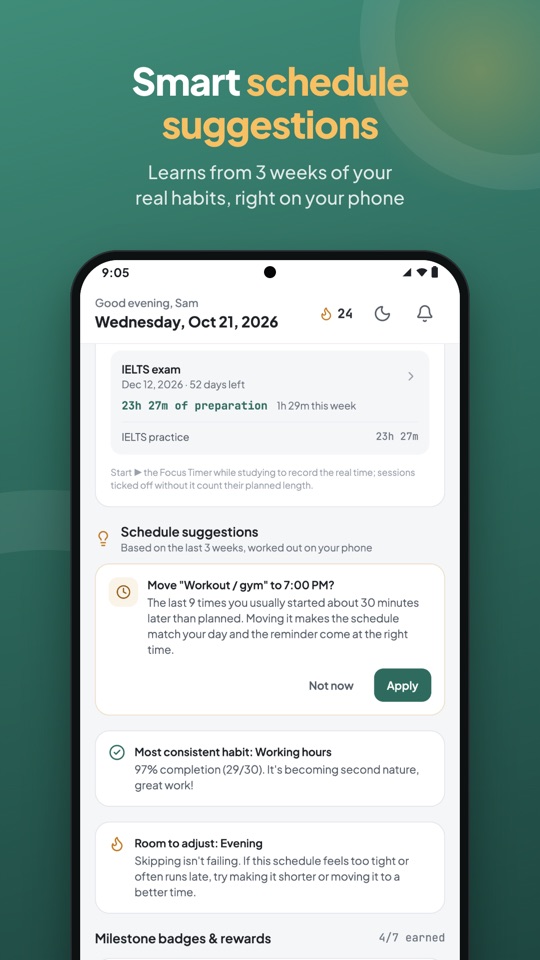
Milestone badges, a Streak Freeze when you miss a day, and schedule suggestions based on three weeks of your real habits, worked out on your phone.
-
Photo check-ins & widgets
Snap a photo when you finish an activity to get a check-in card and a monthly film. Home screen widgets show your progress, streak and what's next.
Screenshots
A look inside Nhipo
Swipe to see more.
Privacy
Your routine stays on your phone
Your schedule, history and check-in photos are stored on your device. You decide when to connect Health Connect, your phone's calendars or Google Drive.
Read the privacy policy →- No account neededOpen the app and start. Everything works offline.
- Every permission is optionalNotifications, camera, Health Connect, calendar: each one only powers its own feature and can be turned on or off at any time.
- Back up when you wantExport to a file or Google Drive and restore on a new phone.
Find your rhythm, starting today
Get Nhipo free on Google Play. Pick a template, enter your wake-up time and bedtime, and you're set in a minute.